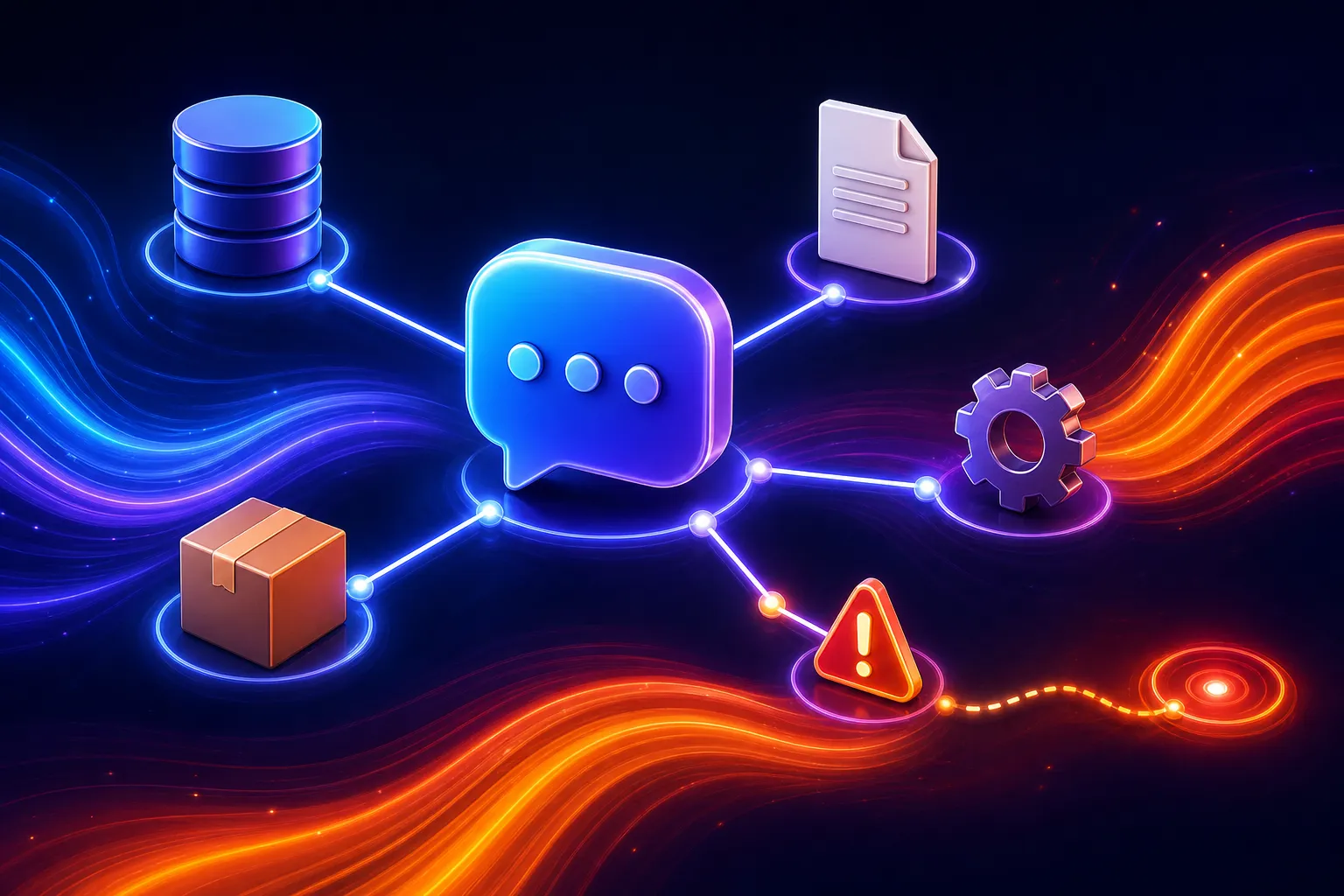
Your support inbox is full of the same questions: where is my order, can I change my shipping address, what is your return window, why was I charged twice. Your team answers them by switching between the ERP, the CRM and a shared policy document, one ticket at a time. An AI chatbot for customer service looks like the obvious fix. But many businesses launch one, watch customers get vague answers, and end up with more tickets than before. The problem is rarely the AI. It is what the bot can and cannot see.
This article covers how to set up a customer service chatbot that gives real answers. That means connecting it to the right data, deciding what it may do on its own, and handing customers to a person at the right moment.
Why Most Customer Service Chatbots Disappoint
Most chatbots that frustrate customers share one design flaw. They answer from a static FAQ page and nothing else. A customer asks about order 48213. The bot replies with general information about shipping times. The customer still has no answer. They type the question again, then ask for a human, then email support anyway.
Modern language models are very good at understanding questions and writing clear replies. They are not good at knowing facts they were never given. A bot that cannot look up the order, the account or the current policy will fill the gap with generic text. In the worst case, it will confidently state something wrong.
Customers do not want a chatbot. They want their problem solved quickly. A bot that resolves a real request in thirty seconds earns goodwill. A bot that stands between the customer and a person costs you goodwill, even if it technically answered something.
What an AI Chatbot for Customer Service Should Actually Handle
Before choosing a tool, sort your incoming requests into three groups. Pull a few weeks of tickets, emails and chat logs and tag each one. The pattern is usually clear within a few hundred conversations.
| Request type | Examples | Right owner |
|---|---|---|
| Lookups | Order status, tracking, invoice copies, account balance, warranty dates | Bot, with live data access |
| Policy questions | Return window, shipping regions, product compatibility, payment terms | Bot, from one approved knowledge source |
| Simple actions | Update a contact email, request a return label, reschedule a delivery window | Bot, within strict limits, with a record created |
| Judgment calls | Refund exceptions, damaged goods disputes, billing errors, upset customers | Person, with full context passed from the bot |
| High-stakes or sensitive | Legal threats, safety issues, large accounts, contract changes | Person, right away |
Lookups and policy questions are where the bot earns its keep. They are high volume, repetitive and have a single correct answer. Judgment calls belong with your team. The goal is to clear the repetitive work so your people have time for those conversations.
The Data Connections That Make a Chatbot Useful
The difference between a frustrating bot and a helpful one is almost always integration. Here are the connections worth making, roughly in order of value for most product and service businesses.
Order and shipment status from your ERP
If you sell physical goods, order status is likely your top question. Connecting the bot to your ERP, such as NetSuite, lets it confirm the order exists and report fulfillment status. It can also share tracking numbers and expected delivery dates. Read-only access is enough for this, which keeps the risk low.
Pay attention to how fresh the data is. If your warehouse updates shipments in batches twice a day, the bot needs to say when the information was last updated. Otherwise it will report stale status as if it were live.
Account and case history from your CRM
Connecting to a CRM like Salesforce lets the bot recognize returning customers. It can see open cases and avoid asking for information you already have. It also lets the bot log every conversation as a case or activity. Your team then sees the full history when they pick up a handoff.
Policies and product knowledge from one source
Many businesses have three versions of their return policy: one on the website, one in a support doc and one in someone's head. The bot will expose that inconsistency fast. Before launch, pick one approved source for policies and product information. Assign an owner who keeps it current. The bot should answer only from that source, and it should say so when a question falls outside it.
Write actions, added carefully
Letting the bot change records, such as updating an address or issuing a return authorization, saves the most staff time. It also carries the most risk. Start read-only. Add write actions one at a time, each with clear limits. For example, address changes might be allowed only before the order is picked. Every change should create a logged record your team can review.
Design the Handoff Before You Design the Bot
The handoff to a person matters more to the customer experience than the bot's best answer. A good AI chatbot for customer service knows when to step aside, and it does so without making the customer repeat themselves.
Common handoff triggers include:
- The customer asks for a person. Honor that immediately, without a sales pitch for the bot.
- The same question goes unresolved after two attempts.
- The request involves money beyond a set threshold, such as a refund or credit.
- The customer's language shows frustration, a complaint or a legal or safety concern.
- The account is flagged as high-value or under a special agreement.
- The bot cannot find the order, account or policy it needs.
When a handoff happens, the bot should pass along a short summary to your team. Include who the customer is, what they asked, what the bot already checked and what it told them. Outside business hours, the bot should say plainly when a person will respond. It should not leave the customer waiting in a chat window.
Guardrails That Keep the Bot Honest
A chatbot speaks for your business, so treat its permissions the way you would a new employee's. These guardrails prevent most of the problems that make headlines:
- No invented policy. The bot answers policy questions only from your approved source. If the answer is not there, it says it will check with the team.
- No unapproved commitments. The bot cannot promise refunds, discounts, delivery dates or exceptions outside defined rules.
- Identity checks before account details. Confirm an order number plus an email or ZIP code before sharing order or billing information.
- Limited data exposure. The bot should see only the fields it needs. That rarely includes full payment details or internal notes.
- Full conversation logs. Every exchange is stored and searchable, so you can review mistakes and fix the cause.
These are not just technical settings. They are business decisions. Your operations and finance leaders should sign off on them, not only whoever configures the tool.
Where a Chatbot Is Not the Answer
Be honest about the limits. A chatbot is a poor fit when your support volume is low and every request is different. In that case, setup and upkeep may cost more time than they save. It also struggles when the underlying data is unreliable. If your order records are often wrong, a bot will just deliver wrong answers faster. Fix the data first.
Some customer relationships run on personal attention. Examples include a handful of large wholesale accounts or a professional services firm with long-term clients. For those customers, a bot can feel like a downgrade. A better use of AI there may be behind the scenes. It can draft replies for your team, summarize long email threads or pull account details into the agent's view. The customer never talks to a bot at all.
How to Measure Whether It Is Working
Many chatbot tools highlight a deflection or containment rate, meaning the share of conversations that never reached a person. That number is misleading on its own. A customer who gives up and leaves counts as contained. So does one who calls your phone line instead.
Track these alongside it:
- Resolution rate: conversations where the customer's issue was actually solved, confirmed by a quick yes or no at the end.
- Repeat contact rate: customers who contact you again about the same issue within a few days.
- Handoff quality: how often agents have to ask the customer to repeat information the bot already collected.
- Agent time per ticket: whether the tickets that reach your team are now faster to resolve.
- Wrong-answer reviews: a weekly sample of conversations checked by a person for accuracy.
As an illustrative example, a business getting 1,000 order-status questions a month might see the bot fully resolve most of them once it reads live ERP data. If repeat contacts on those orders climb, though, the bot is answering without actually helping. Investigate before you scale it.
A Practical Rollout Sequence
A phased approach limits risk and shows results early:
- Analyze your requests. Tag recent tickets and pick the top two or three repetitive categories.
- Clean up the source of truth. Consolidate policies and confirm the ERP and CRM data the bot will read is accurate.
- Launch read-only. Start with lookups and policy answers, plus a clear handoff path and full logging.
- Review weekly. Read real conversations, fix knowledge gaps and adjust handoff triggers.
- Add actions one at a time. Introduce write actions with limits and an audit trail once read-only answers are reliable.
A focused chatbot on top of clean data can often go live in 2 to 4 weeks. Bots that need custom ERP and CRM integrations, identity checks and write actions typically take 6 to 8 weeks. At Intellismart Group, we usually spend most of that time on the integrations and guardrails rather than the chat interface. That work is what decides whether customers get real answers.
The Bottom Line
An AI chatbot for customer service is only as good as what it can see and what it is allowed to do. Start with the repetitive questions your team answers every day. Connect the bot to live order and account data, and give it one approved source for policy. Design the handoff to a person before anything else, set firm limits on what it can promise, and measure real resolution rather than deflection. Done that way, a chatbot removes routine work from your team and gets customers answers faster. Skip those steps and it becomes one more obstacle between your customers and the help they need.