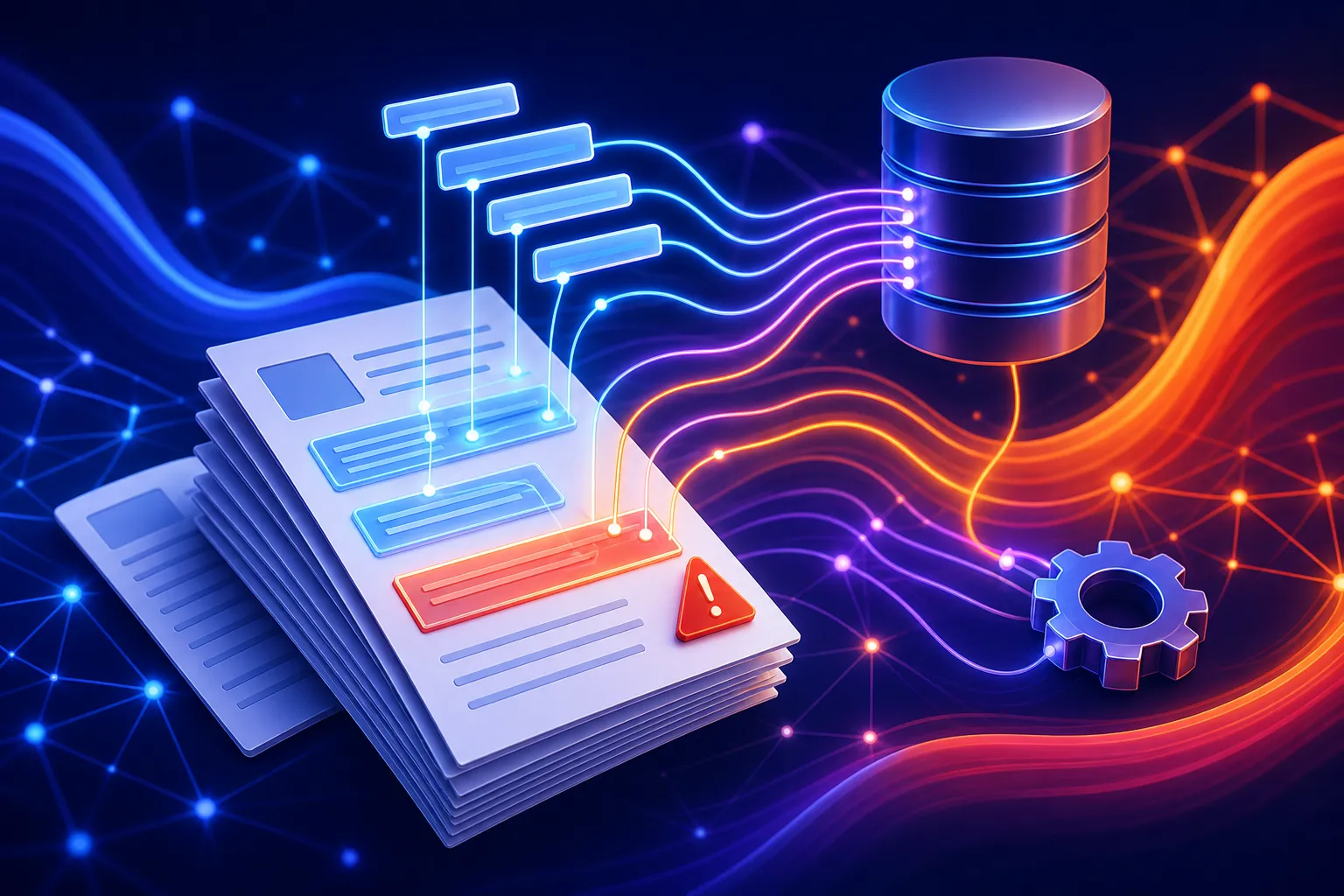
Someone on your team spends hours every week reading PDFs and typing what they see into another system. Purchase orders from customers, vendor bills, packing slips, certificates of insurance, signed contracts. Each document has a few fields that matter, and a person has to find them, copy them and hope they didn't transpose a digit. AI document data extraction promises to take that work off their plate. It can, but only if you set it up for how documents actually arrive and what happens after the data is pulled out. This article covers what the technology does well, where it still falls short, and how to scope a project that holds up in daily use.
What AI Document Data Extraction Actually Does
At its simplest, the system reads a document, finds the fields you care about (PO number, ship-to address, line items, totals, payment terms, effective dates) and returns them as structured data your other systems can use. The difference from older tools is how it finds those fields.
Template OCR versus AI extraction
Traditional OCR tools turn an image into text. To pull specific fields, you build a template for each document layout: the invoice number is in this box, the total is in that corner. That works when you receive the same few layouts over and over. It breaks when a vendor redesigns their invoice or a new customer sends a PO in a format you've never seen.
AI extraction reads the document more like a person does. It understands that "Remit To" and "Pay To" mean the same thing, that a total usually sits below the line items, and that a date near the word "Due" is probably the due date. You describe the fields you want instead of drawing boxes around them.
| Factor | Template-based OCR | AI document extraction |
|---|---|---|
| New layouts | Needs a new template each time | Usually handles them without setup |
| Setup effort | High per layout, low per document | Lower per layout, more effort on validation |
| Consistency | Very predictable on known layouts | Strong overall, but can make confident mistakes |
| Handwriting and messy scans | Poor | Better, still imperfect |
| Best fit | High volume from a few fixed sources | Many sources, changing formats, mixed document types |
Neither approach is automatically better. If 90 percent of your volume comes from three suppliers who never change their forms, a template tool may be cheaper and more predictable. If you deal with hundreds of counterparties, AI extraction usually wins.
Documents Where It Works Well
AI extraction does best on documents that are semi-structured: the information is always there, but its position and wording vary. Common examples for small and mid-sized businesses:
- Customer purchase orders arriving by email, which need to become sales orders in your ERP
- Vendor bills and statements that need to be coded and matched before payment
- Packing slips and bills of lading used to confirm what actually shipped or arrived
- W-9s and certificates of insurance collected during vendor onboarding
- Contracts and order forms where you need key terms such as start date, renewal date, pricing and notice periods
- Bank and credit card statements from sources without a clean data feed
The common thread is that a person currently reads the document only to find a handful of values. That's the work AI extraction replaces most cleanly.
Where AI Extraction Still Struggles
Being honest about the limits will save you from a rollout that loses your team's trust in the first month.
Confident wrong answers
The biggest risk isn't that the model fails to find a field. It's that it returns a plausible but wrong value and gives no sign of doubt. It might pull a subtotal instead of the total, or a ship date instead of an invoice date. Any setup that sends extracted data straight into your books without checks will eventually post something wrong.
Long, dense line-item tables
Headers are usually easy. Multi-page tables with wrapped descriptions, subtotals mid-page and unit-of-measure quirks are harder. Line-item extraction is where most of the tuning and review effort goes.
Poor source quality
Phone photos of crumpled receipts, faxed documents and low-resolution scans still cause errors. AI handles them better than older OCR, but garbage in still produces shaky output.
Judgment calls
Extraction tells you what a document says. It doesn't decide whether a contract clause is acceptable or whether a price increase was approved. Those decisions should stay with people or with clear business rules you define.
The Parts That Matter More Than the Model
When AI document data extraction projects disappoint, the cause is rarely the extraction itself. It's everything around it. These are the pieces that separate a demo from a process you can rely on at month-end.
Validation against your own systems
Every extracted value should be checked against something you already know. Does the vendor exist in your ERP? Does the PO number match an open purchase order? Do the line items add up to the stated total? Is the item SKU valid, and is the price within an expected range? These checks catch most confident mistakes, because a wrong value rarely passes all of them. For NetSuite and similar systems, this usually means looking up records through the API before anything is created.
Confidence thresholds and human review
Most extraction tools return a confidence score with each field. Use it, but don't rely on it alone. A practical rule: documents that pass every validation check with high confidence flow through automatically; anything that fails a check or falls below your threshold goes to a person. Start with a conservative threshold and loosen it as you see how the system performs on your real documents.
A review queue people will actually use
The reviewer should see the original document side by side with the extracted fields, with the problem fields highlighted, and be able to correct and approve in one place. If review means opening three systems and a spreadsheet, people will go back to typing everything by hand.
An audit trail
For finance documents especially, keep the original file, the extracted values, any corrections and who approved them. Your auditors will ask, and you'll want the record the first time a disputed bill comes up.
How to Scope an AI Document Data Extraction Project
A focused first project beats a plan to automate every document in the company. Here's a sequence that works.
- Pick one document type with real volume. Choose something your team handles daily and finds tedious, such as customer POs or vendor bills. Count roughly how many arrive per week and how long each takes.
- List the fields that matter. Be specific. "Invoice data" isn't a spec. "Vendor name, invoice number, invoice date, due date, total, and line items with description, quantity and amount" is.
- Gather real samples. A common rule of thumb is 50 to 100 recent examples, including the ugly ones. The messy scans and odd formats are what you're really testing.
- Define what "correct" means. Decide which fields must be exact (amounts, account numbers) and which can tolerate minor variation (descriptions). Decide which errors are costly and which are just annoying.
- Map the destination. Where does the data go? A sales order in NetSuite, a bill awaiting approval, a record in Salesforce? Know which fields are required there and what validation rules already exist.
- Design the exception path before the happy path. Decide who reviews flagged documents, how they're notified and what happens if nobody acts within a day.
- Run in parallel first. For a week or two, let the system extract while your team keeps working as usual. Compare results before you switch over.
A single document type with clean destination mapping is typically a 2 to 4 week build. Projects that span several document types, multiple systems or complex line-item matching are closer to 6 to 8 weeks.
Judging the Payback
The math is straightforward, as long as you include the review time you'll still need.
Example: Say your team processes 400 vendor bills a month at about 6 minutes each, which is 40 hours of keying. If 75 percent of bills pass validation and flow through automatically, and the remaining 25 percent take 2 minutes each to review and correct, monthly effort drops to around 3 to 4 hours plus some oversight time. That frees most of a week's work every month, before counting fewer payment errors and faster approvals. Your numbers will differ; the point is to measure your current minutes per document honestly and assume some review will remain.
Also count what you'd stop paying for. Some businesses run a per-document capture service or a dedicated AP tool mainly for its data entry features. If a custom extraction workflow connected directly to your ERP covers that need, the subscription may go away.
Off-the-Shelf Tool or Custom Build?
Plenty of products offer AI document data extraction out of the box. They're a good fit when your document type is common (invoices, receipts) and your destination system is one they already integrate with well. Ask these questions before you buy:
- Does it validate against your live ERP or CRM data, or just extract and pass along?
- Can you define custom fields for document types it wasn't designed for?
- How does it price: per page, per document or per seat? What happens to cost if volume doubles?
- Where do exceptions go, and can your team review them without a separate login?
- Can you export your data and audit trail if you leave?
A custom build makes more sense when your documents are specific to your industry, when you need extraction tied tightly into existing workflows like approvals or e-signature, or when per-document pricing gets expensive at your volume. This is the kind of work Intellismart Group typically scopes after a free audit, starting with the document type that costs the most hours today.
Where to Start
Look at your team's week and find the documents someone reads only to retype. Pick the one with the most volume, pull a stack of real samples and write down exactly which fields you need and where they go. That's enough to tell whether AI extraction will pay off, and whether an existing tool or a custom workflow is the better fit.
If you'd like a second set of eyes on that decision, book a free audit at https://intellismartgroup.com/. We'll look at your documents, your systems and your volume, and tell you plainly whether automating extraction is worth it and what it would take.